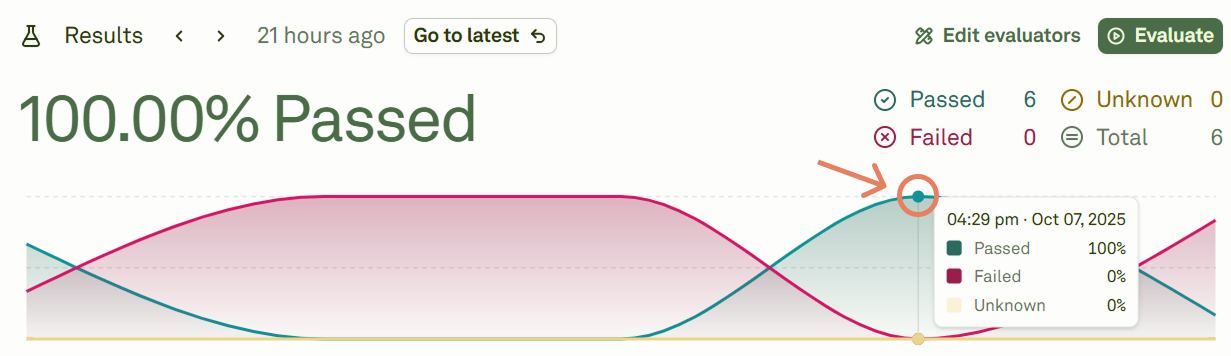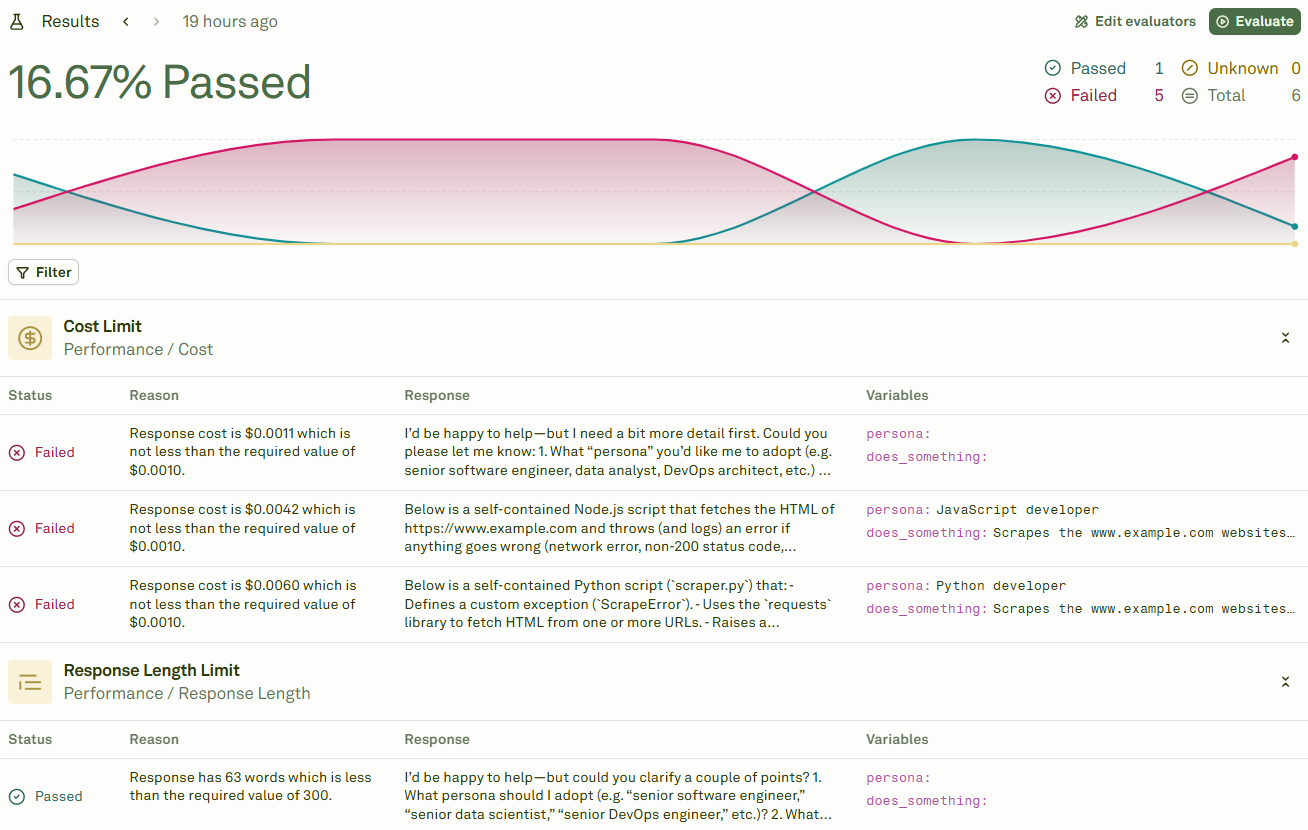
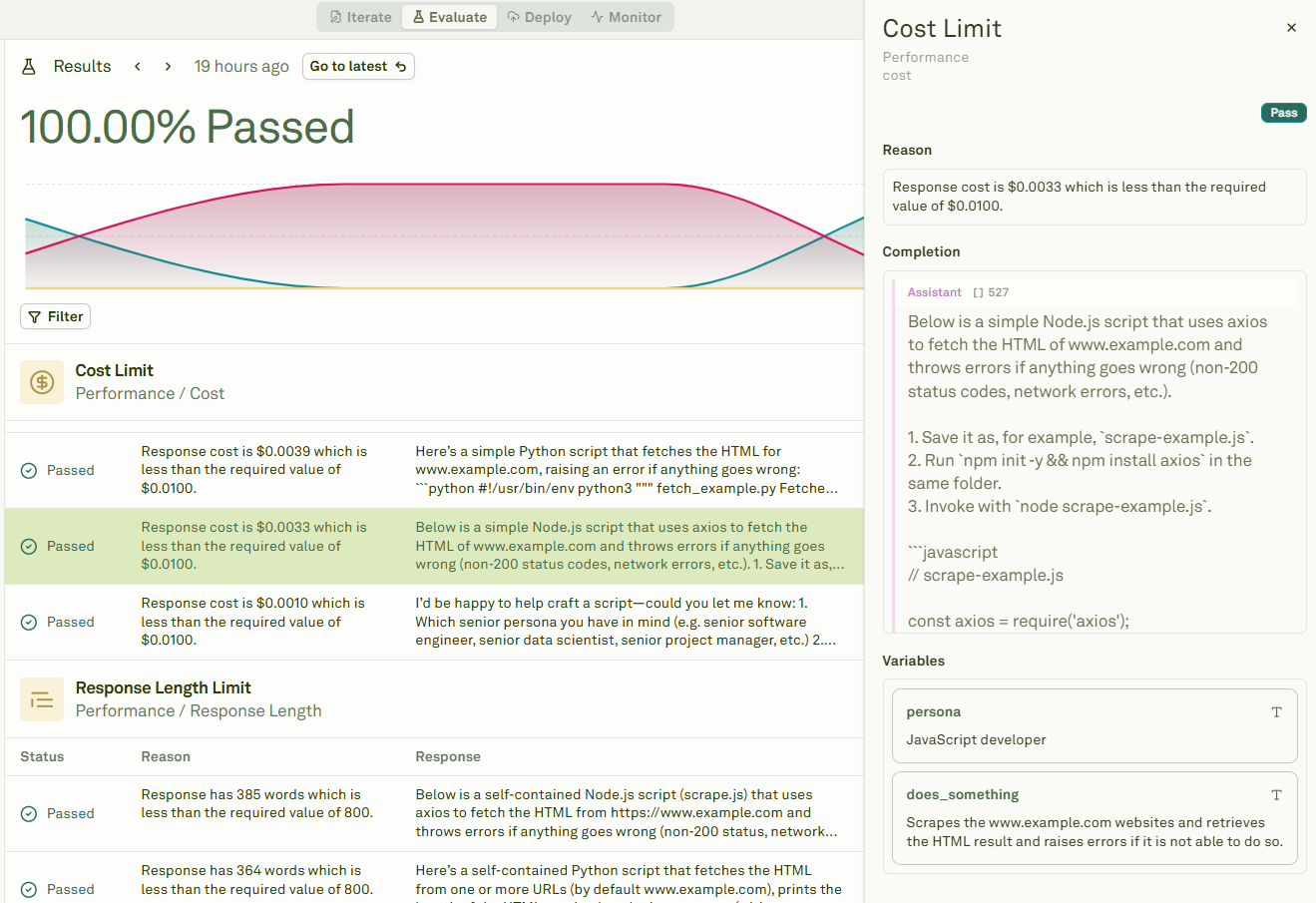
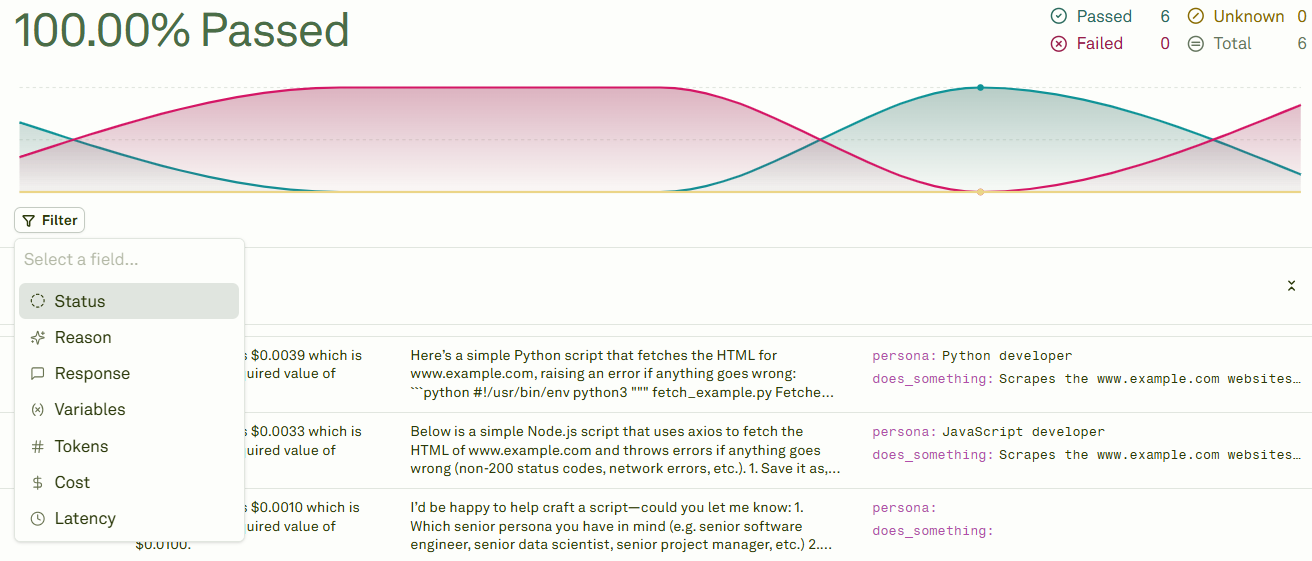
Once the evaluation is complete, the platform provides you with the results: Visualizing evaluations results To inspect a particular run, click on the specific row you want to inspect: Inspecting runs The Filter option allows you to condense the results: Filtering results When you run multiple evaluations, you can navigate through each run’s results and see the results’ summary by moving the mouse on the graph: Inspecting runs To visualize the detailed results, click on the point on the graph. The Go to latest button will redirect to the results of the latest run. You can view and compare any of the last 20 evaluation runs.