Viewing Traces and Spans
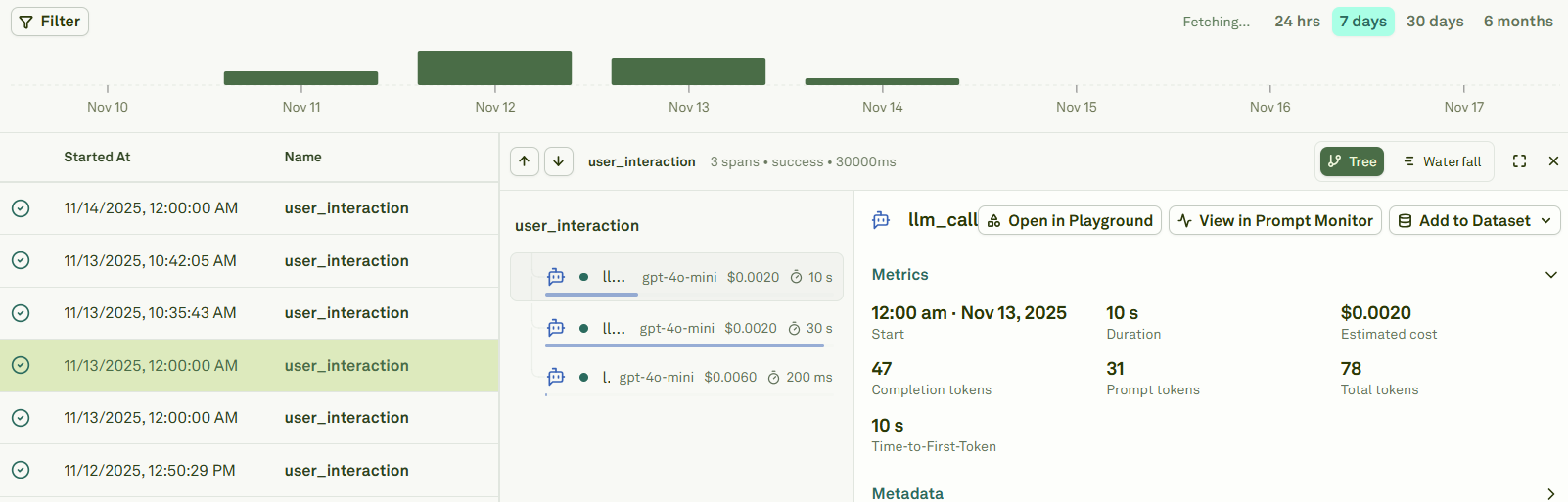
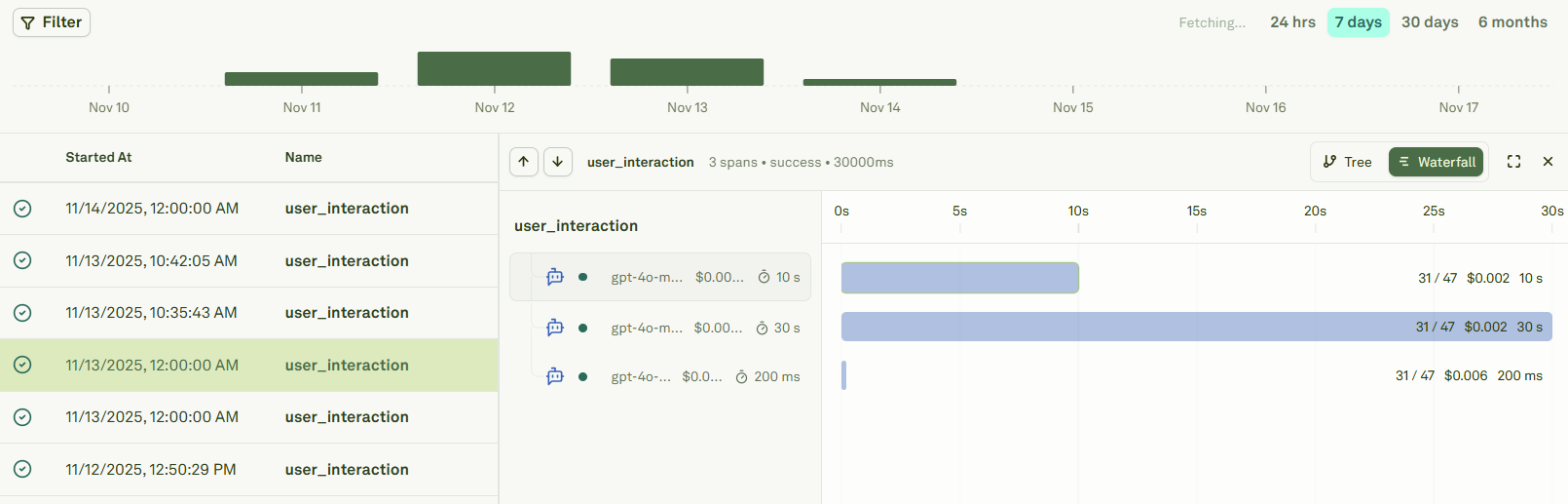
In Adaline, a project represents an AI agent / workflow and each trace sent to Adaline is always associated with a project. You can view all the traces associated with a project in the Monitor section of your project.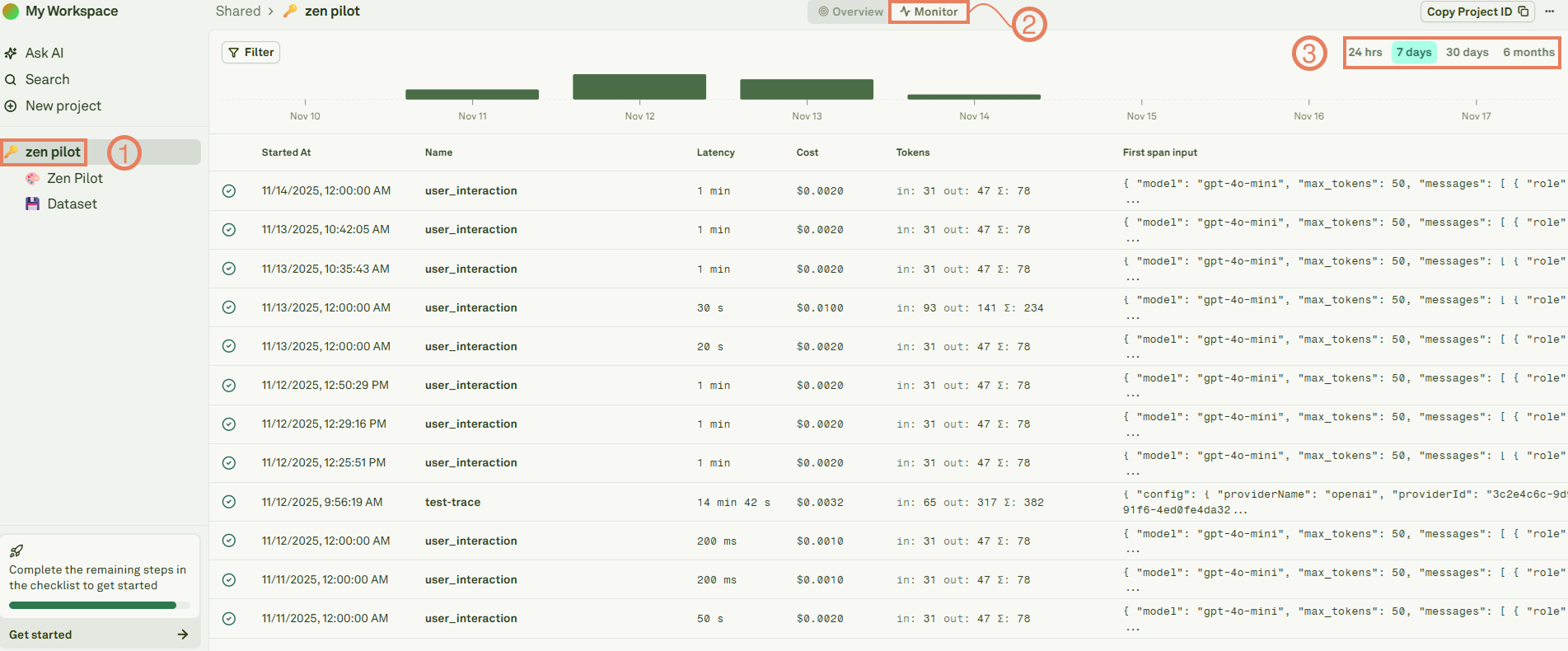
Viewing a specific prompt’s spans
In Adaline, a prompt represents a type of LLM request happening in your AI agent / workflow. Each span sent to Adaline capturing a LLM request operation should ideally be associated with a prompt. You can view all the spans associated with a prompt in the Monitor section of your prompt.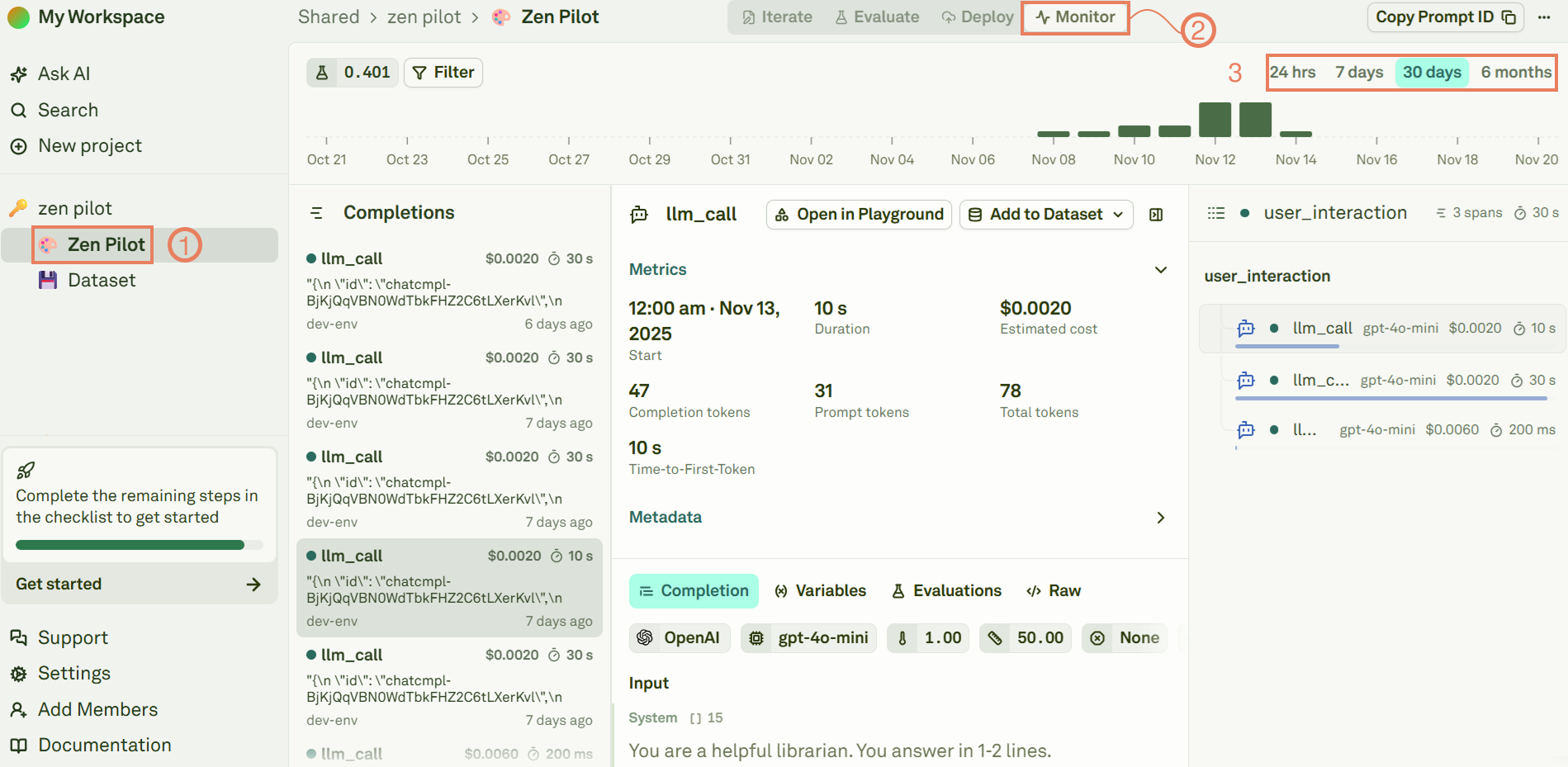
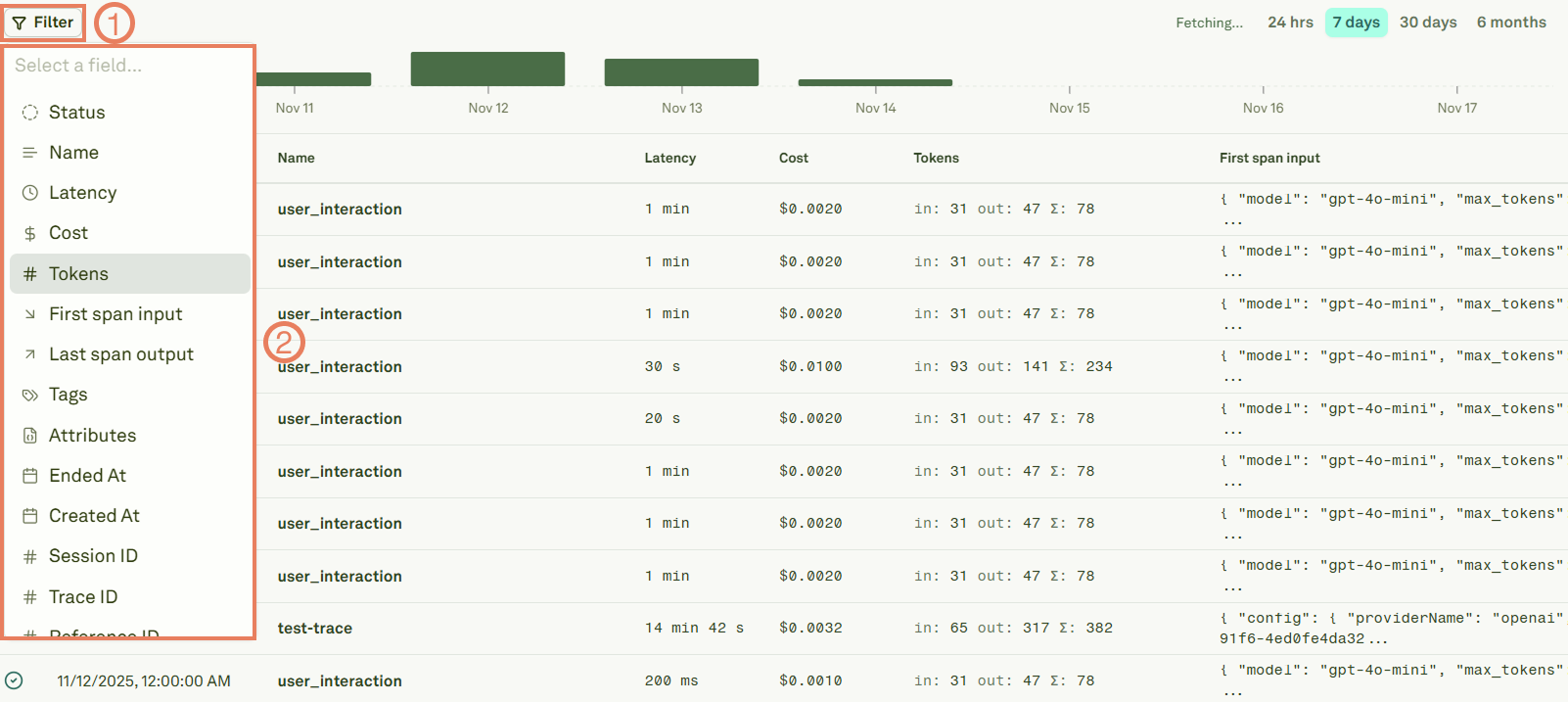
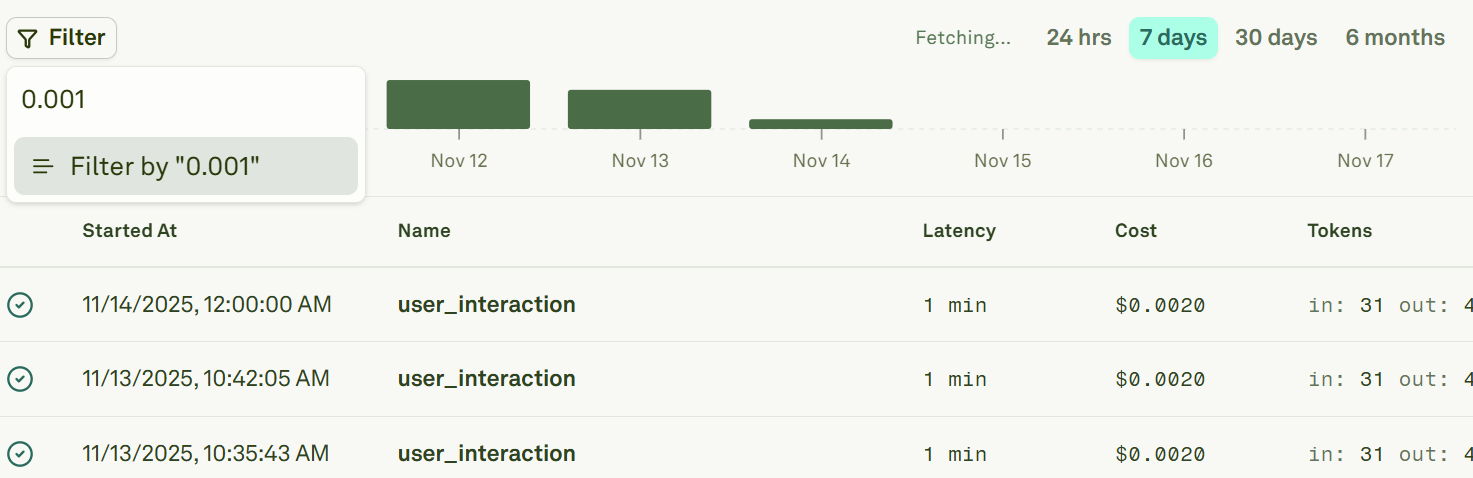
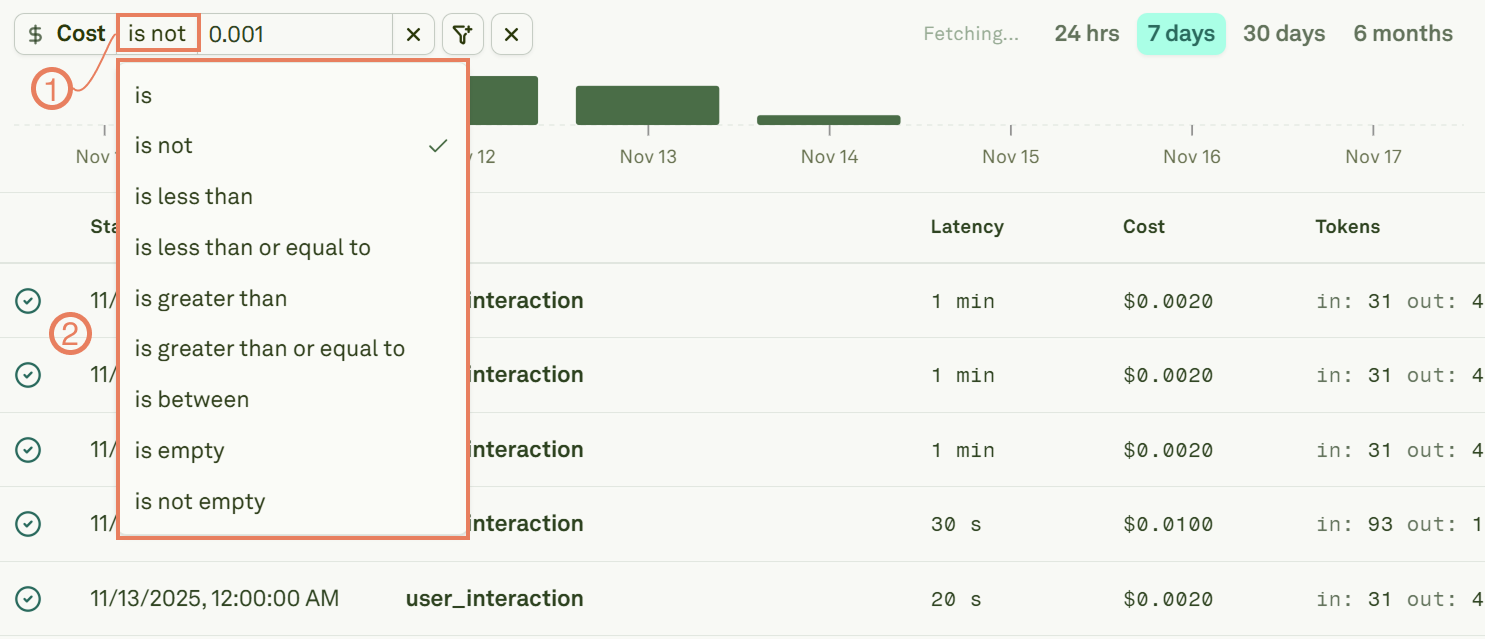
Filter Traces and Spans
Use filters to intercept traces or spans with specific values: