Variable Sources
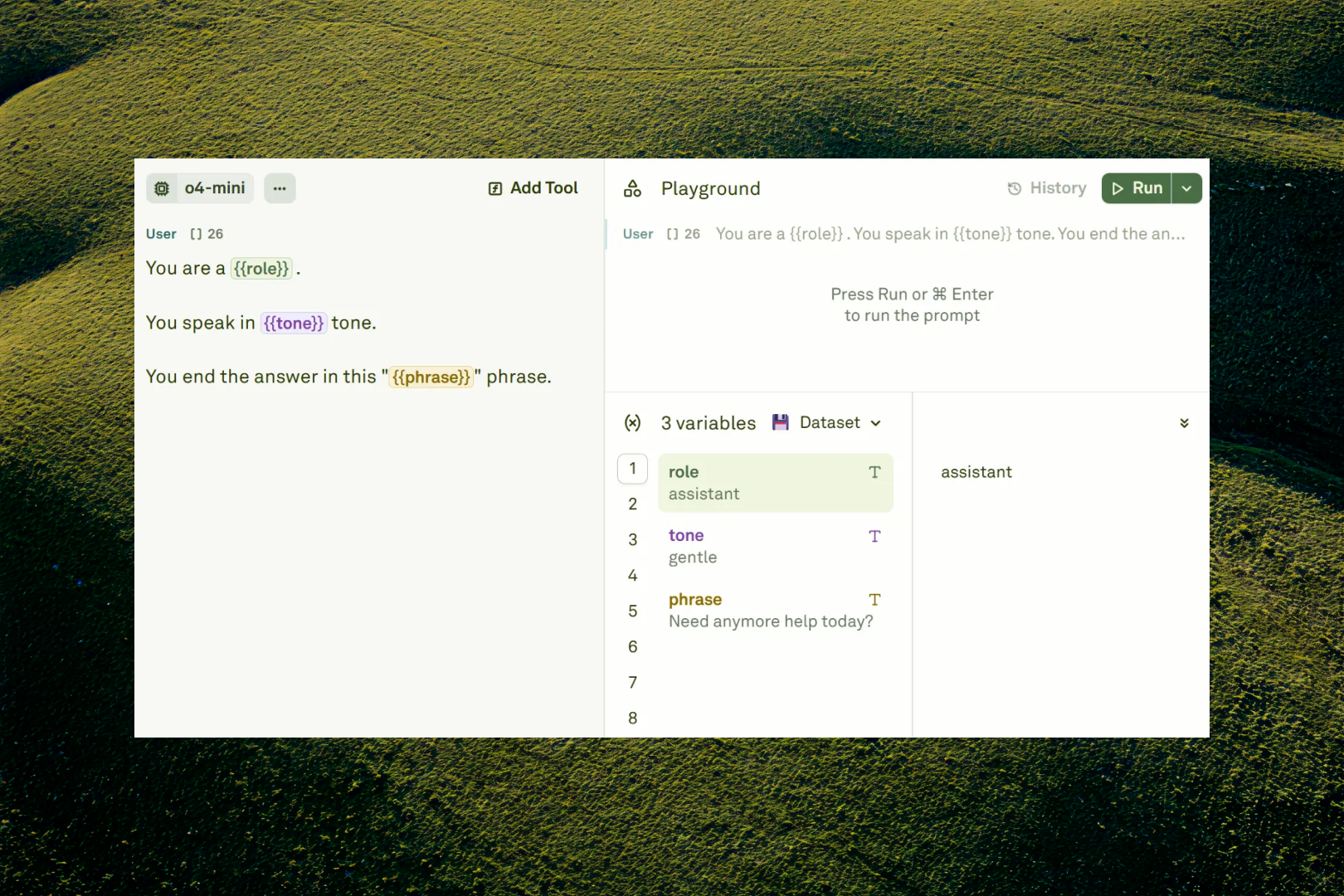
Variables in Adaline support different types of sources:- Static Variables (Text, Image, and PDF): Static content that can be swapped for different test cases
- API Variables: Fetch live data from external HTTP endpoints at runtime
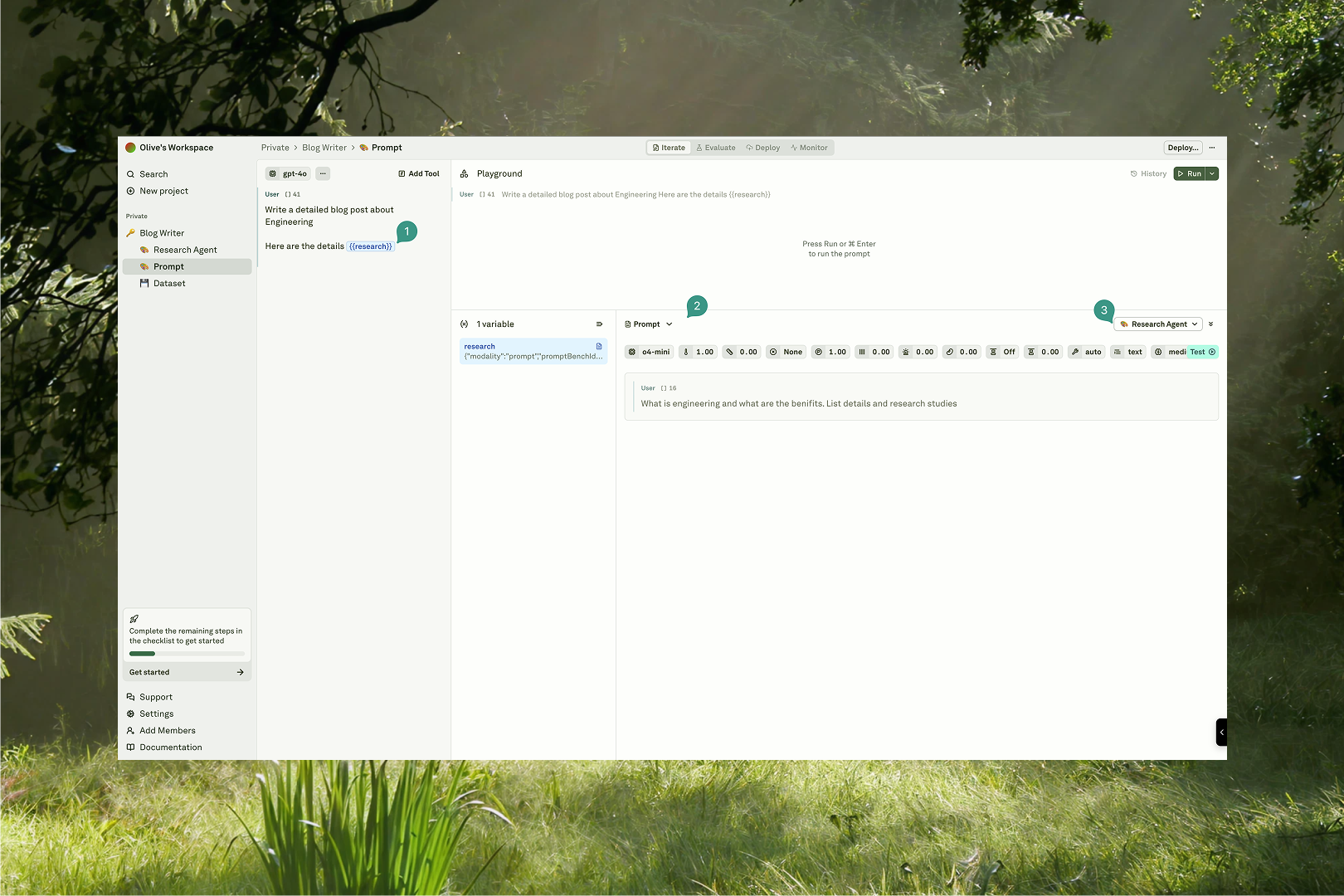
- Prompt Variables: Execute other prompts and use their results as input
Dynamic Variables
Dynamic variables allow you to inject live, external data into your prompts and API requests. This transforms static prompts into modular, data-driven workflows. There are two primary types of dynamic variables:- API Variables: Fetch data from external HTTP endpoints at runtime, enabling real-time integration with external systems
- Prompt Variables: Execute a secondary prompt and use its output as a variable in the current one, enabling prompt chaining and agent-like workflows
Features
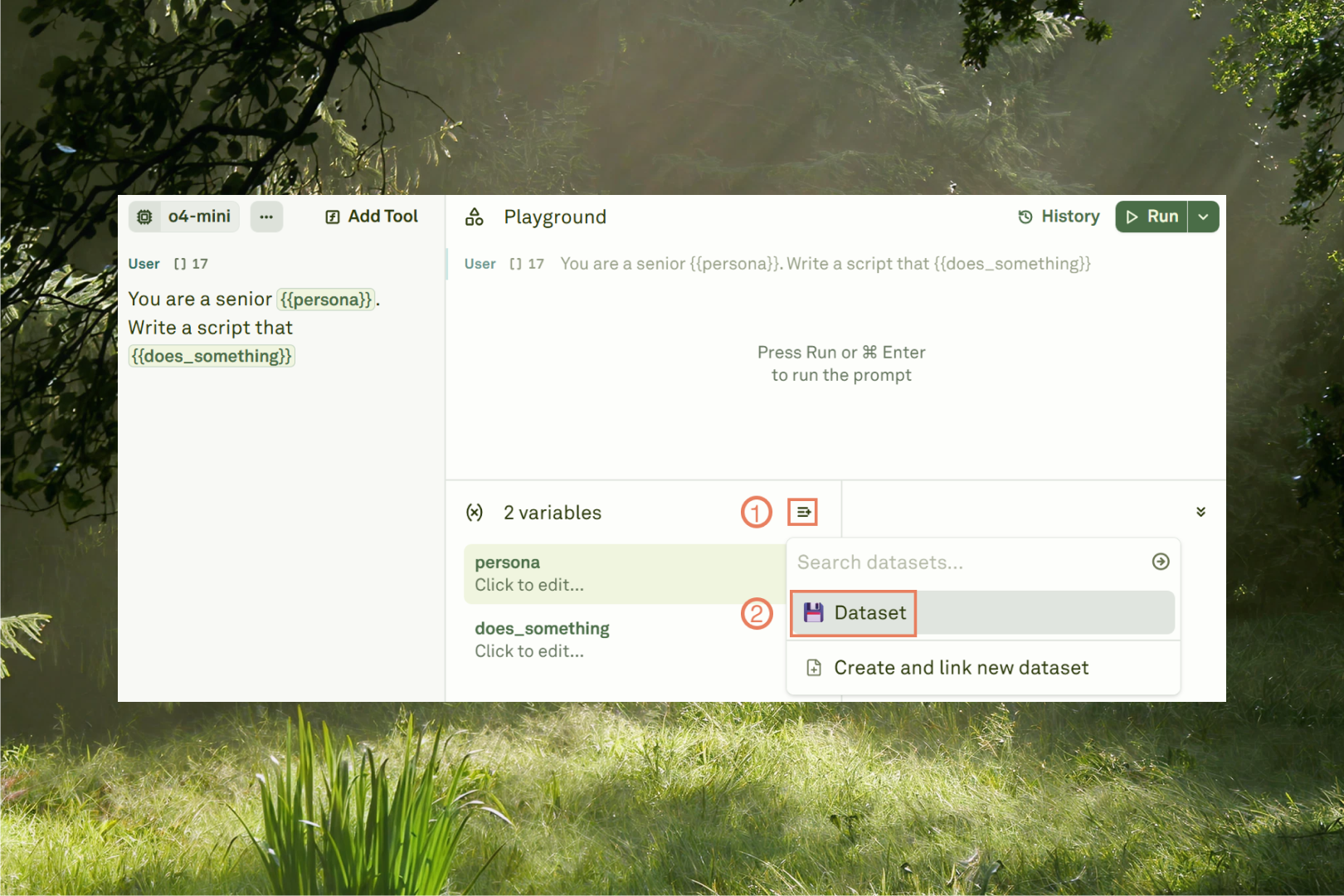
- Setting Variable Values
- Linked Dataset
- Dynamic Sources