

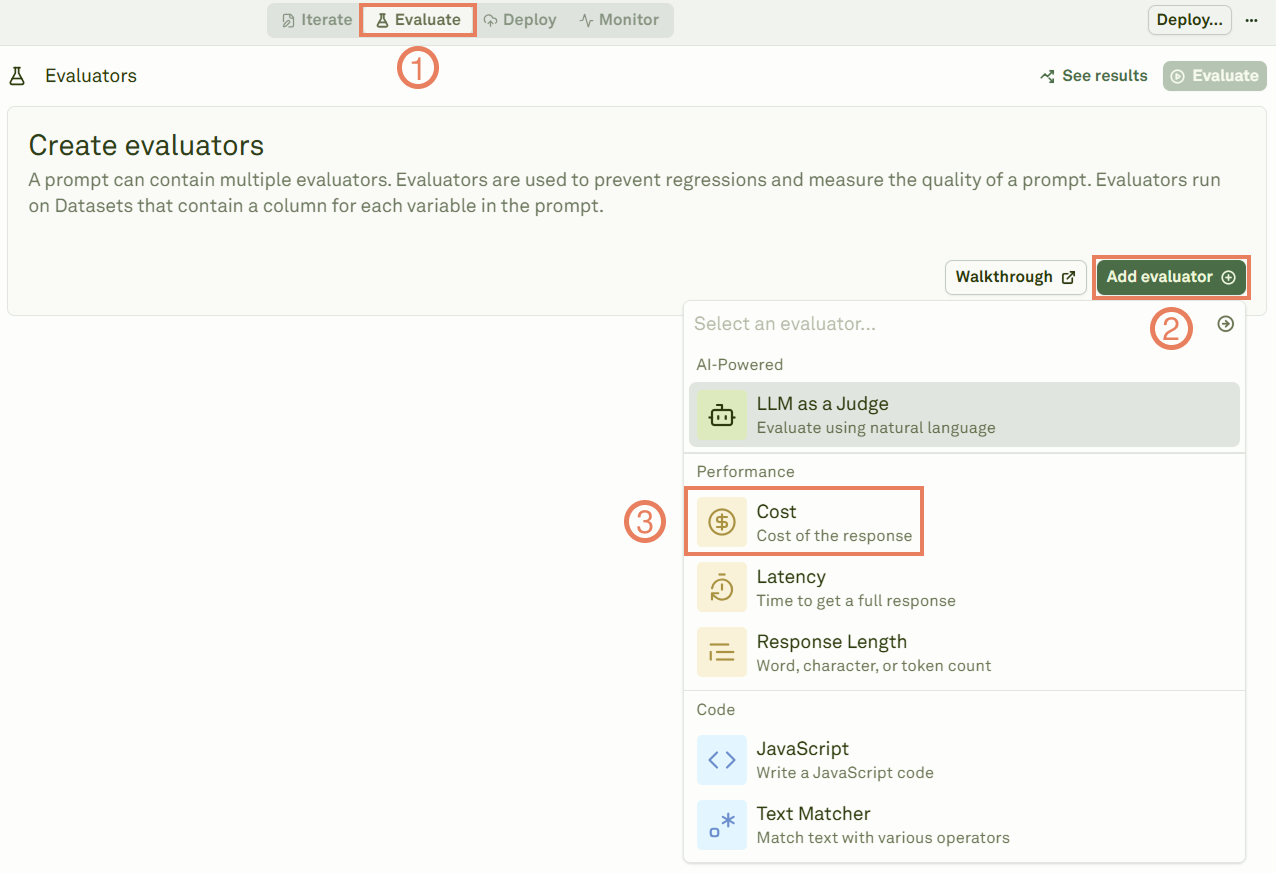
Link a dataset
Give a name to the evaluator, link a dataset to it, and select the cost threshold.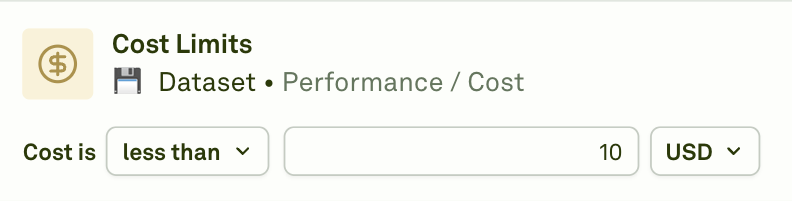
less than: Keep costs below your threshold.greater than: Flag expensive responses above your limit.equal to: Match exact cost requirements.
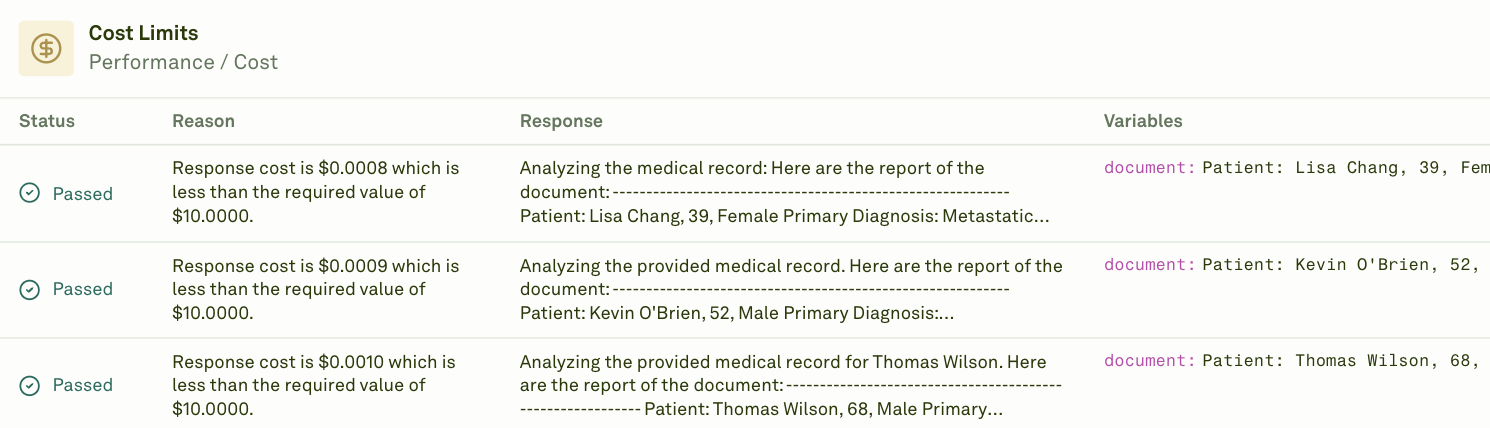
Note on Prompt Chaining: When your prompt uses prompt variables (child prompts), the cost evaluator includes the costs from all child prompts in the total. The reported cost represents the cumulative cost of the entire prompt chain, including the main prompt and all referenced prompts executed during the evaluation.