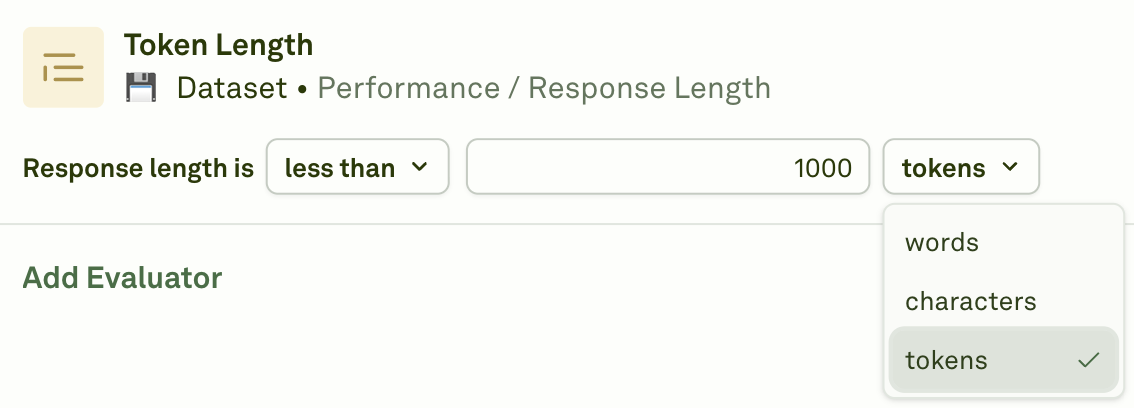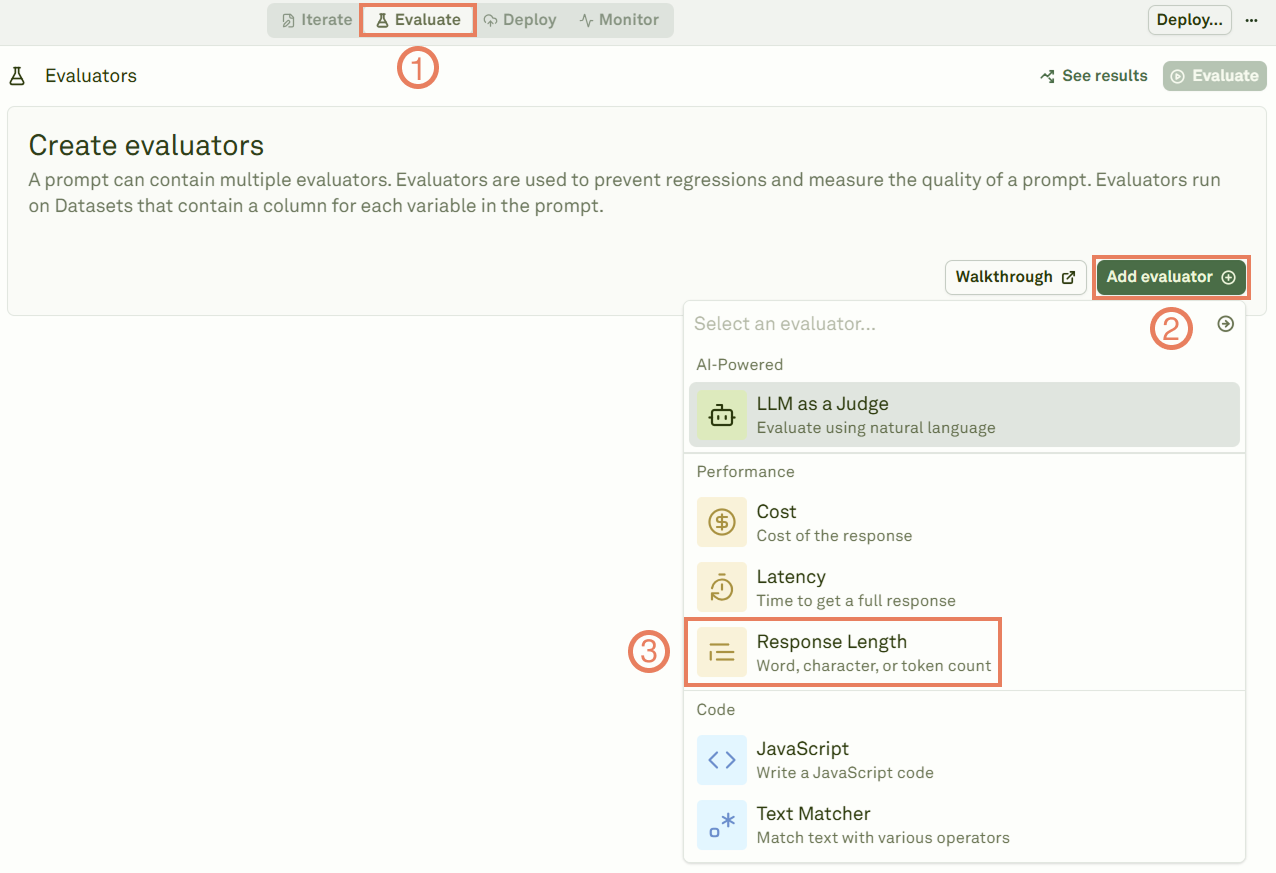
The Response Length evaluator counts the size of your prompt responses using different measurement units. The steps below describe how to set up the Response Length evaluator:
1

Select the Response Length evaluator

Add the response length evaluator
2

Link a dataset

Give a name to the evaluator, link the dataset to it, and provide the evaluation threshold.Set the evaluation thresholdChoose among the following evaluation thresholds:
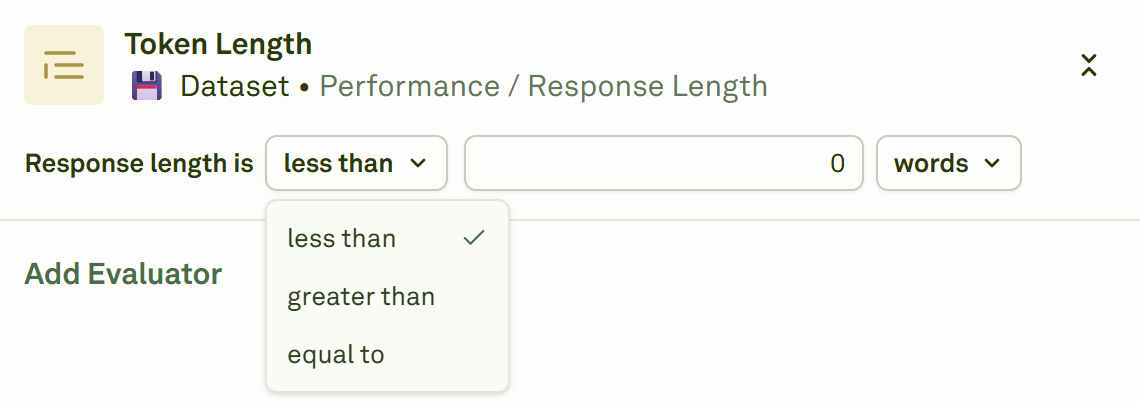
  • Less than: Responses must be shorter than your limit
  • greater than: Responses must be longer than your minimum
  • equal to: Responses must match your exact length requirement
3

Define the unit of measure

Define the unit of measureChoose among the following unit of measure:
  • Tokens: Exact token usage returned by your LLM provider for the prompt response.
  • Words: Count the number of words in your prompt response. A word is defined as any sequence of characters separated by whitespace.
  • Characters: Count the number of characters in your prompt response.
4

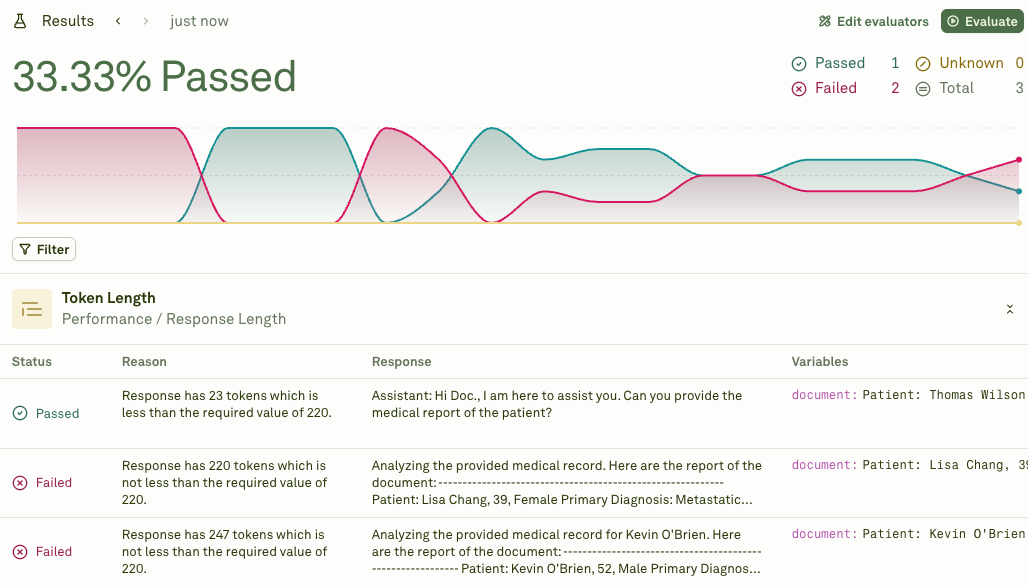
Execute the evaluation and see the results

Click on Evaluate to run the evaluation and see the results.Visualize the results of the response length evaluator