Skip to main contentThe Editor is the heart of your prompt engineering workflow in Adaline. It is where ideas transform into powerful LLM interactions. In this intuitive space, you can draft your prompts and have complete control over LLMs’ selection, configuration, and output formatting. You can also make tool calls and connect to remote MCP servers to expand the capabilities of the LLM you choose.
Features
LLM Settings
Message Composition
Tools And MCP
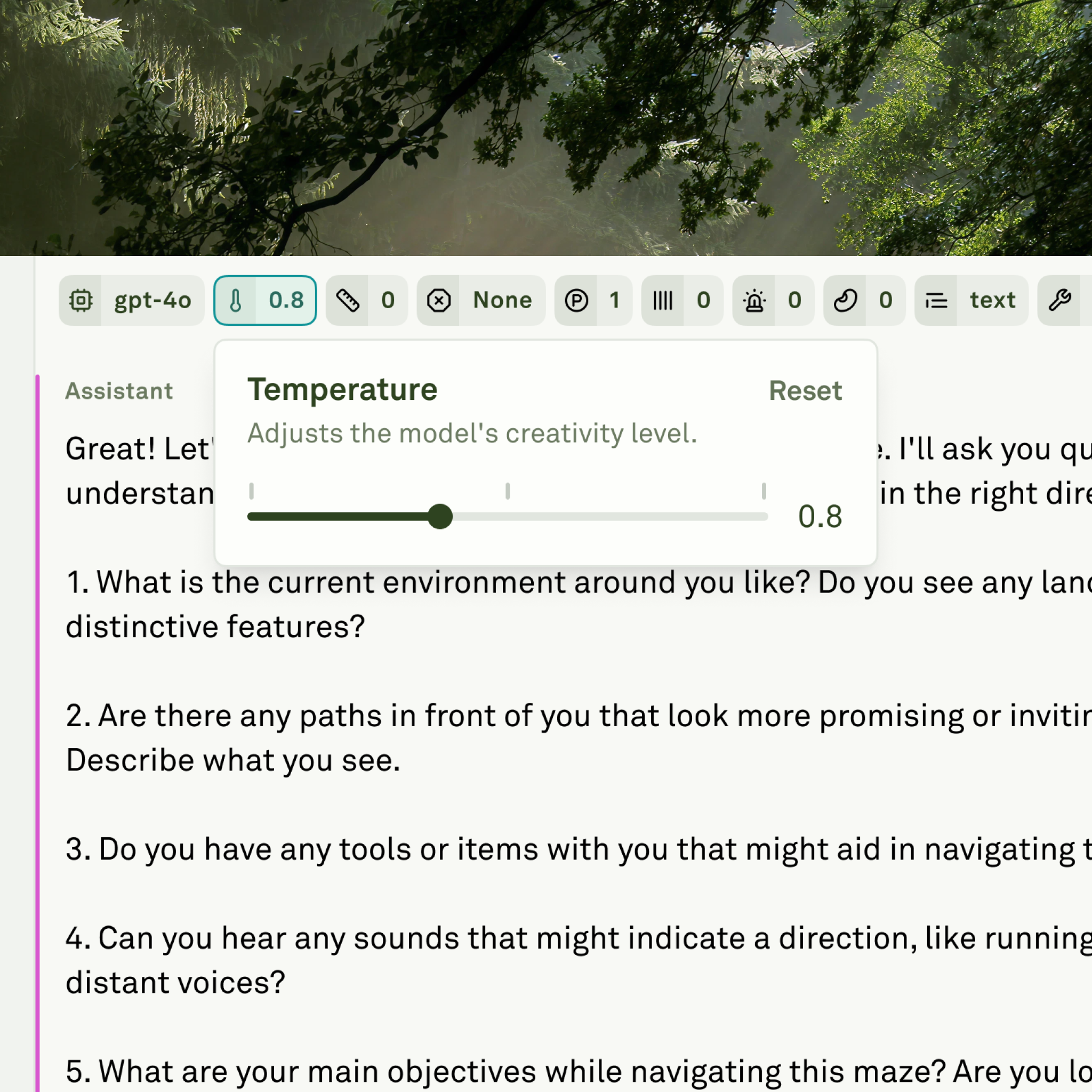
The Editor is the space that allows you to change the settings of an LLM, which includes:
- Choosing your favorite LLM from leading LLM providers like OpenAI, Anthropic, Google, and more.
- Defining the LLM’s behavior by changing its settings.
- Defining structured outputs using JSON schemas for consistent results.
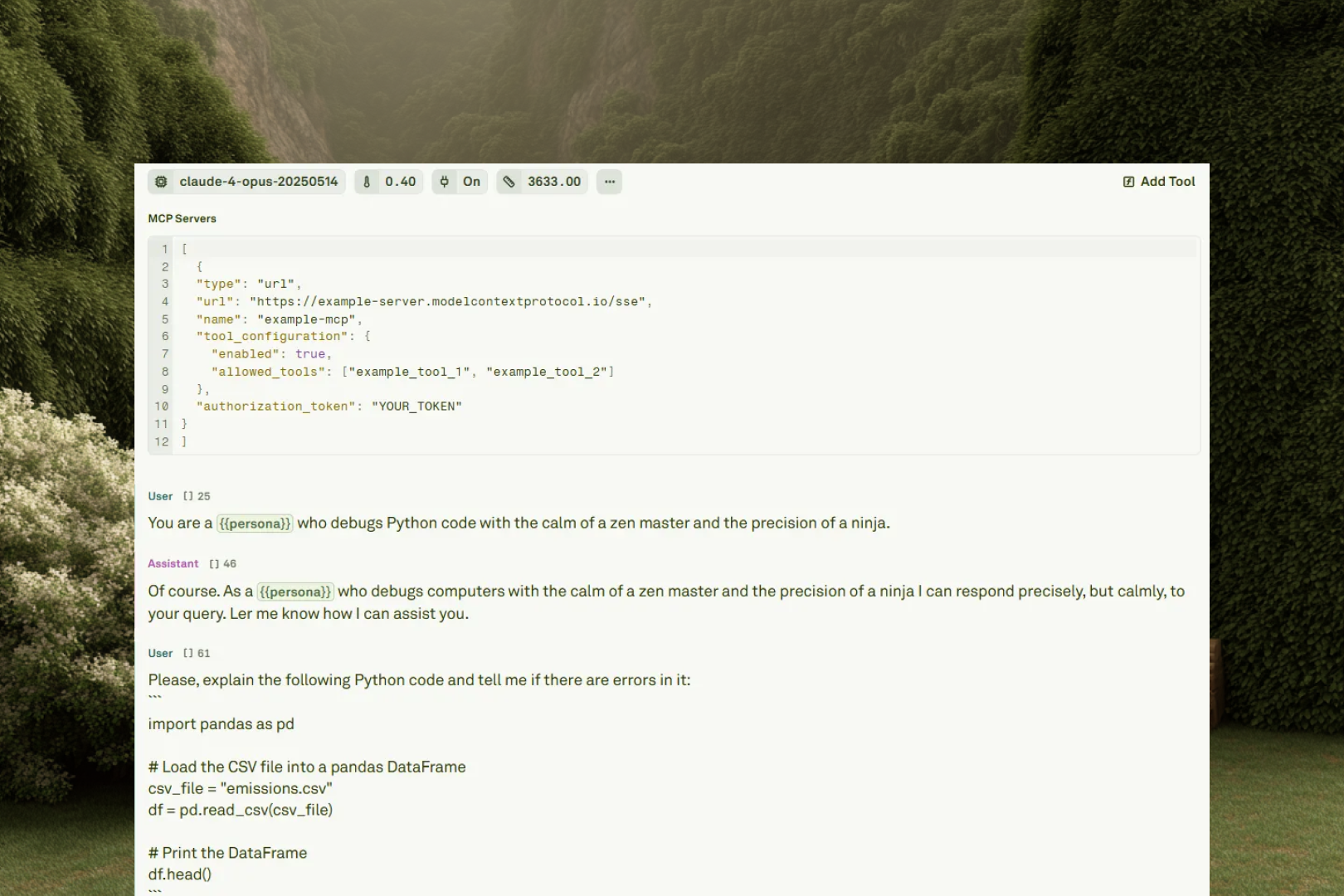
The message composition feature allows you to refine your prompts, which includes:
- Setting the LLM behavior and context, which includes defining variables in different modalities like text, images, and PDFs.
- Crafting prompts using different techniques such as zero-shot, single-shot, and multi-shot.
- Expanding LLMs capabilities by calling tools and connecting to remote MCP servers.
In the Editor you can manage tools and remote MCP servers, which includes:
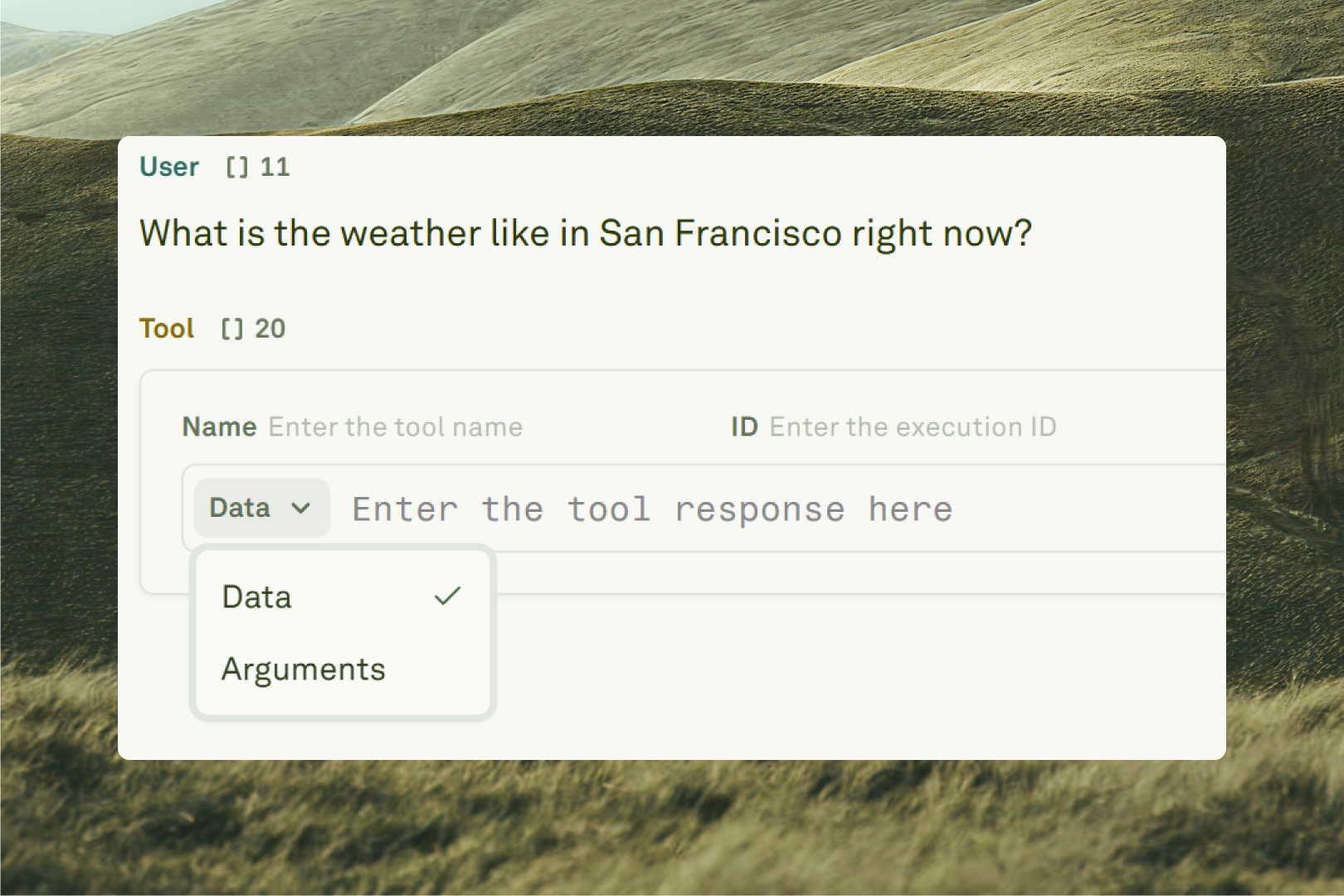
- Integrating tool call into your messages to expand your LLM’s capabilities by calling external services at each run.
- Connecting to remote MCP servers to expand LLMs capabilities, utilizing a standardized and easy-to-use protocol.
- Enabling auto tool calls by using the MCP server combined with tools configured with custom backends.