The Deploy pillar is your control center for shipping prompts to production. It lets you push refined, evaluated prompts to your AI applications in real time — with multiple deployment environments, one-click rollbacks, and webhook-driven automation.

Environments

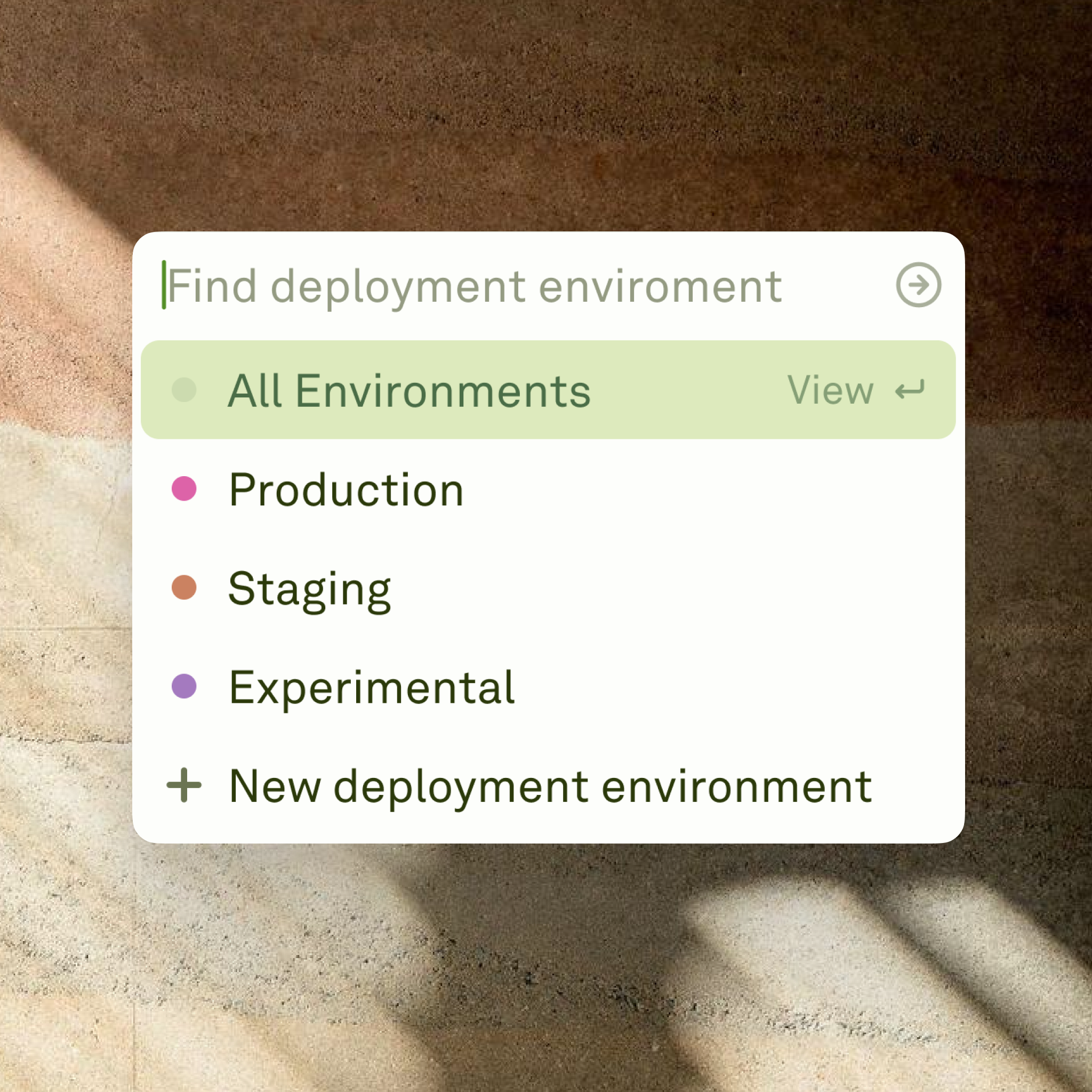
Deployment environments in Adaline Environments are isolated containers that hold specific prompt versions for your AI applications to integrate with. Each environment — whether it’s development, staging, production, or a custom stage — operates independently, so you can ship different prompt versions to different parts of your pipeline without risk. When you first deploy a prompt, Adaline auto-creates a production environment. From there you can create additional environments to match your workflow (e.g., staging, QA, multi-region) and promote prompts between them as they mature. Environments also give you a clean separation for API and SDK keys, so each stage of your pipeline has its own integration point.

Webhooks

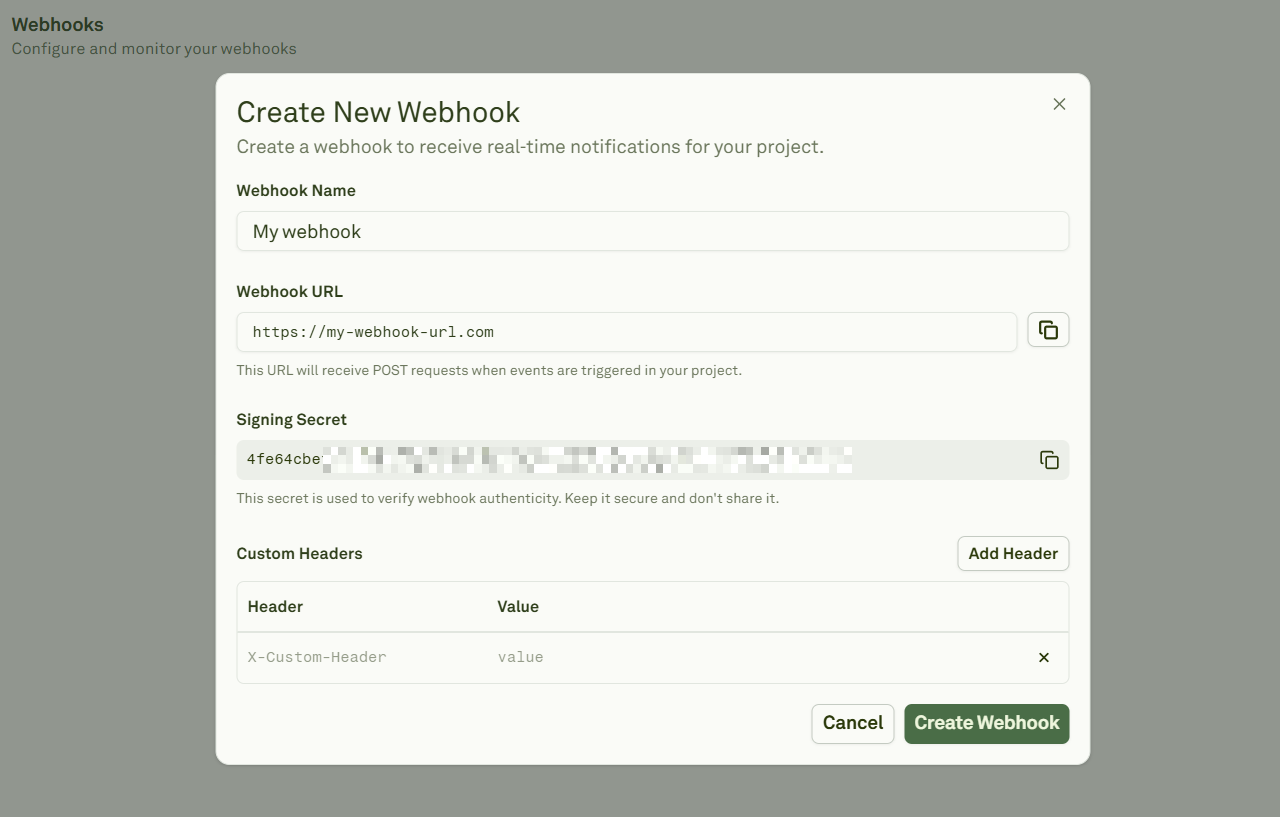
Webhooks for deployments in Adaline Webhooks let your AI applications react to deployments the moment they happen. Whenever a prompt is deployed or rolled back, Adaline fires a create-deployment event to every endpoint you’ve configured — so you can trigger CI/CD steps, purge caches, send notifications, or kick off analytics pipelines without polling. Every webhook payload is signed with HMAC-SHA256, and Adaline supports secret rotation with a 12-hour overlap window so you can roll secrets without downtime. You can add webhooks from project settings or directly from the deployment view, and test them with a single click before going live.

Deployments
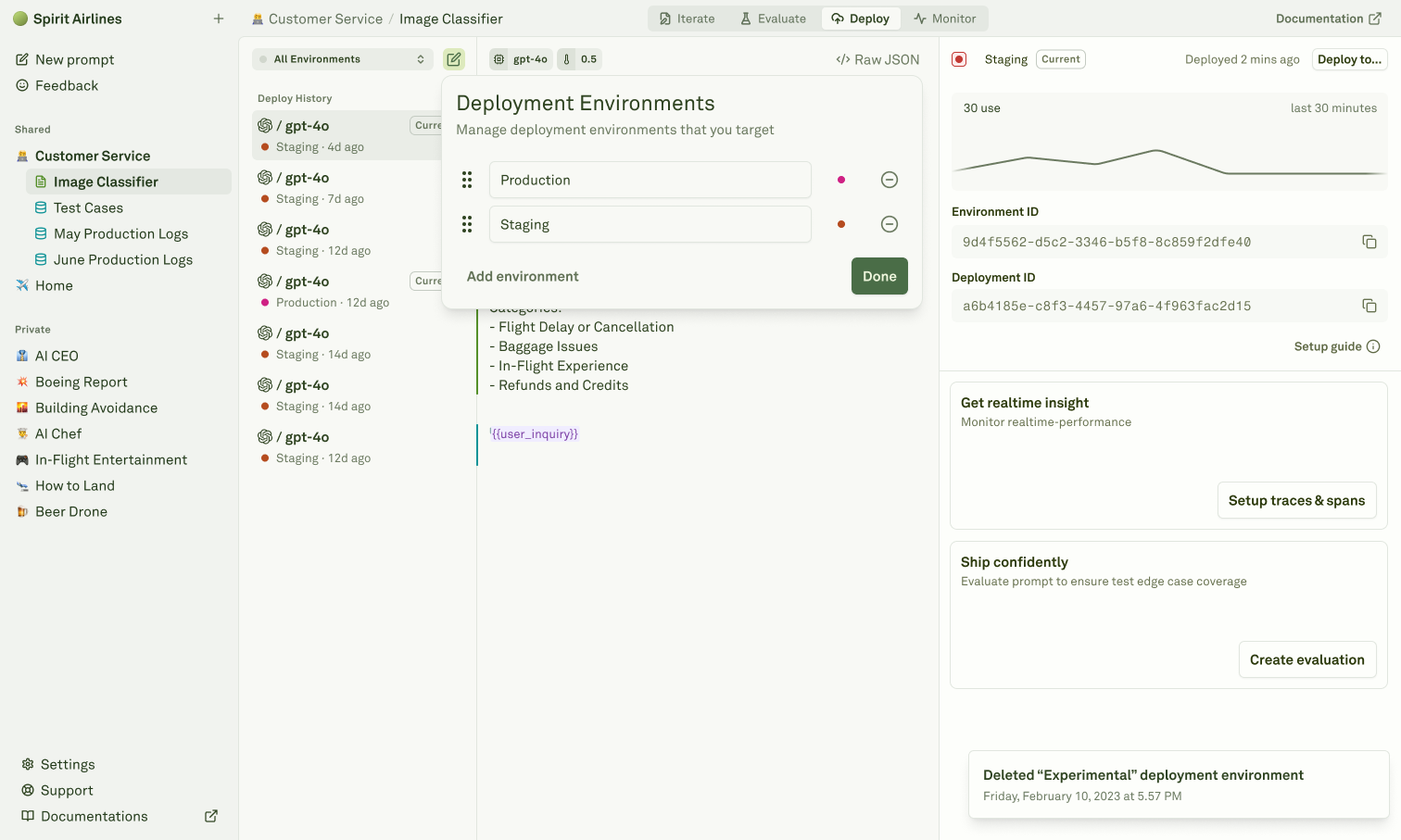
Managing deployments in Adaline Deployments are the mechanism that ships your prompts from Adaline to your AI applications. You can deploy directly from the Editor or promote an existing deployment from one environment to another — for example, pushing a tested prompt from staging to production. Every deployment captures a complete snapshot of your prompt: messages, model config, variables, tools, and MCP servers. Once deployed, your application picks up the new version on its next API or SDK call. If something goes wrong, you can rollback to any previous version instantly — the replaced version is preserved in the history, so nothing is ever lost. Before promoting or rolling back, use the diff view to compare deployments and review exactly what will change across environments.

Configure Environments

Create and manage deployment environments.

Configure Webhooks

Set up real-time deployment notifications.

Deploy Your Prompt

Ship prompts to your AI applications.

Rollback Your Prompt

Revert to any previous deployment instantly.