

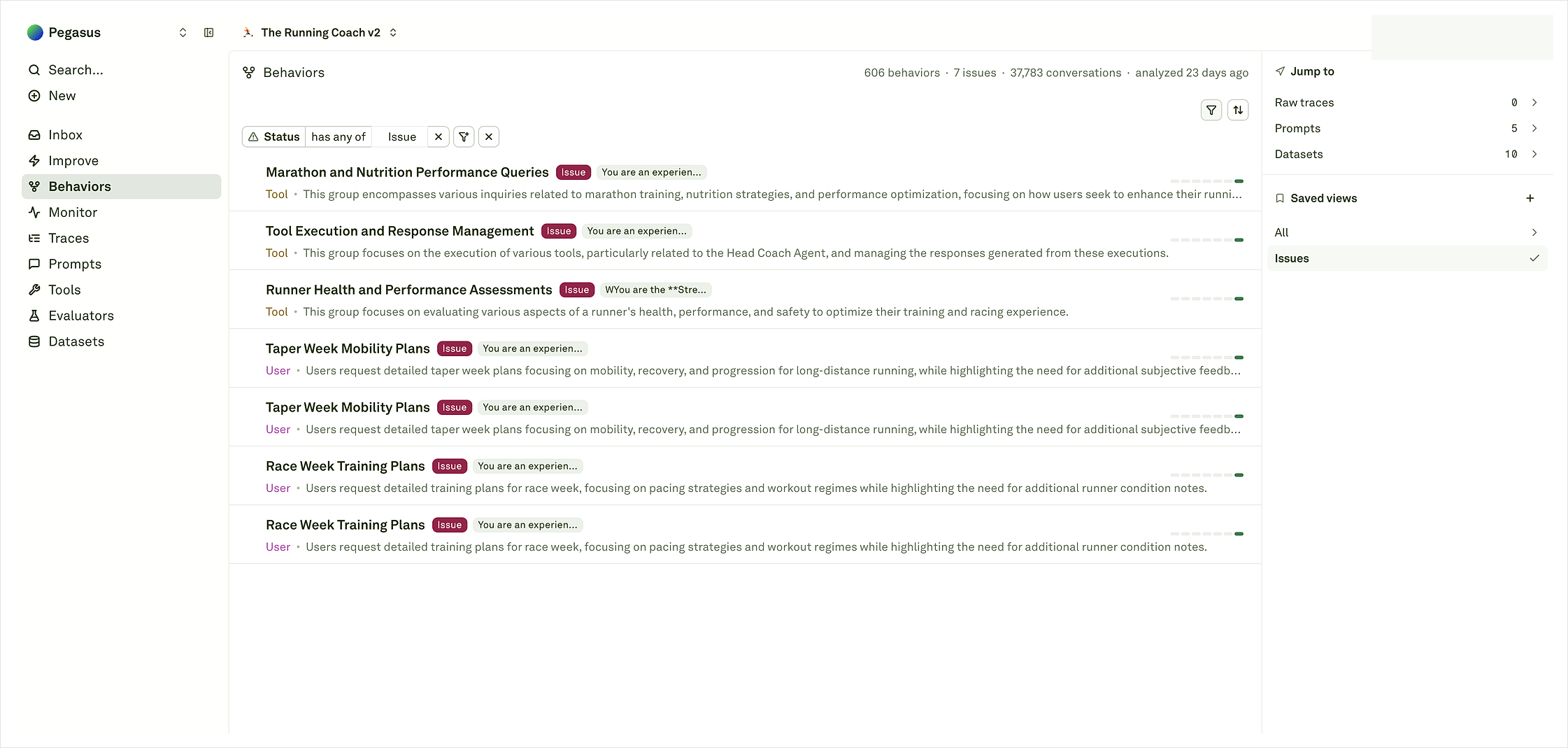
What a Behavior represents
A Behavior is a recurring pattern detected from project evidence. Depending on what you log, it can represent:- A repeated user goal or support intent.
- A repeated assistant response pattern.
- A tool, retrieval, or function-call pattern.
- A failure mode, drift, or correction opportunity.
- A coding-agent pattern such as editing, testing, recovering, looping, or skipping verification.
The workflow
- Send useful log traces and spans with proper names, status, input/output content, metadata, and other safe context.
- Let Adaline detect recurring patterns across traces, spans, model outputs, tool calls, outcomes, and metadata.
- Review Behavior patterns in the catalog by issue signal, role, volume, member count, and evidence.
- Open representative evidence to inspect source logs, spans, sample conversations, and detail analytics.
- Choose an action: watch, save a view, add coverage, start Improve, tune evaluators, debug tools, fix backend logic, or roll back.
What to read first
Start with the saved view and filters so you know whether you are looking at all patterns, issue-only patterns, or a volume-sorted view. Then read the role, issue tag, short summary, and member count on each row. A high-volume non-issue Behavior can be a healthy workflow worth preserving; a low-volume issue Behavior can still matter if it affects a critical release path. When you open a Behavior, use the detail page to confirm the pattern with sample conversations, source traces, timing, and trend evidence. For coding-agent projects, open the session or trajectory view when the question is about the journey: planning, editing, tool use, verification, recovery, or final handoff.Key objects
For coding agents and other multi-step workflows, Adaline can also use trajectory-style evidence to explain the journey behind a Behavior. Treat that as an extra layer for the Coding-agent Behaviors and Trajectories workflows, not as the default requirement for all Behavior analysis.