

Adding Google Credentials
You can add Google credentials by navigating to the Providers page under Settings.1
Configure Provider Name
Click on the plus (+) icon.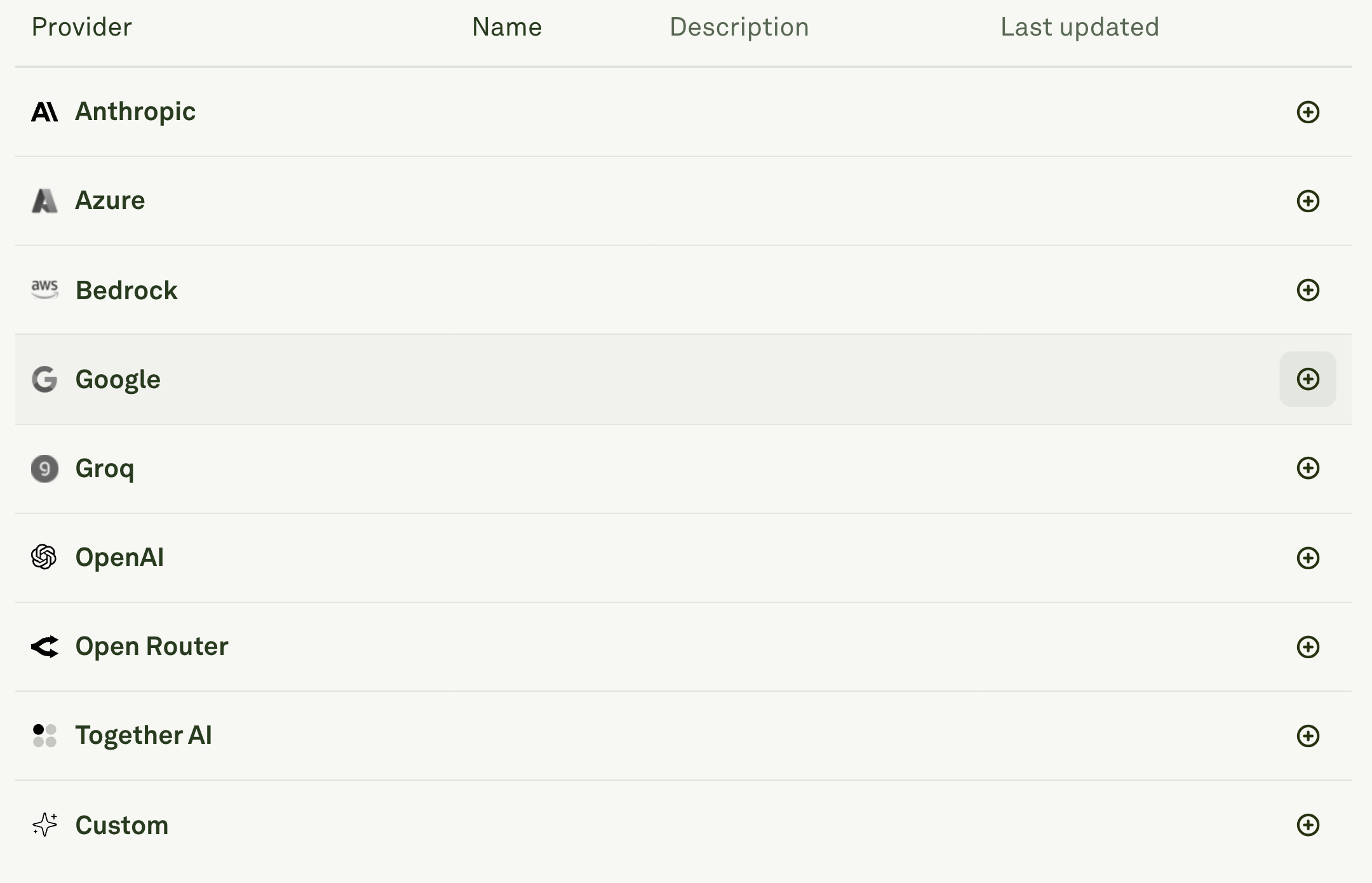
- Enter a unique Name for your Google configuration (e.g., “Google-Dev”).
- This name will be used as a prefix in the model dropdown to help you identify which provider configuration to use. The name appears as “Google (your-name)::” before each model name.
- It makes it easy to distinguish between multiple Google accounts like “Google-dev” and “Google-prod” setups.
2
Enter API Credentials
Add your API key in the required field.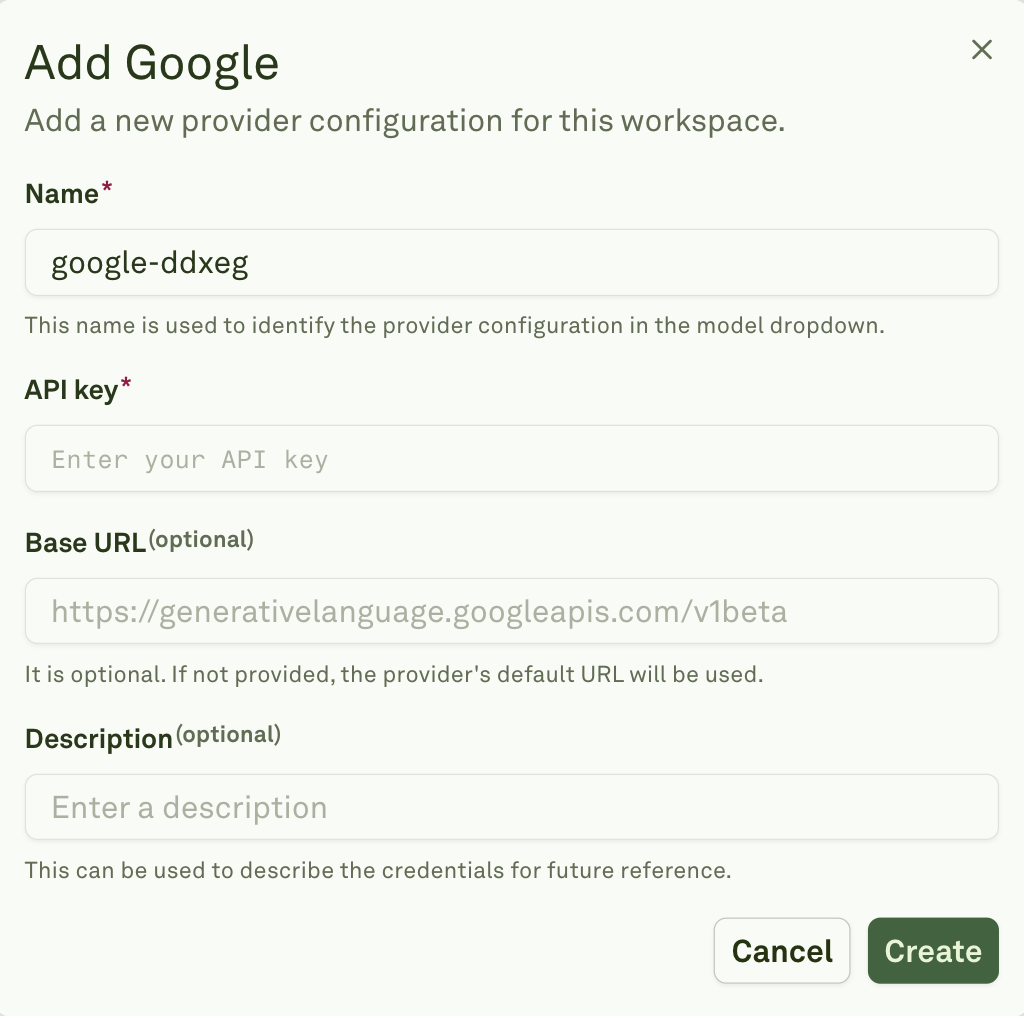
- Optionally, you can specify a custom Base URL if needed (defaults to https://generativelanguage.googleapis.com/v1beta if left blank).
- You can also add a Description to help identify the purpose of these credentials for future reference.
3
Create
Click Create to save your provider configuration.